How I Build and Test vLLM for NVIDIA GB10
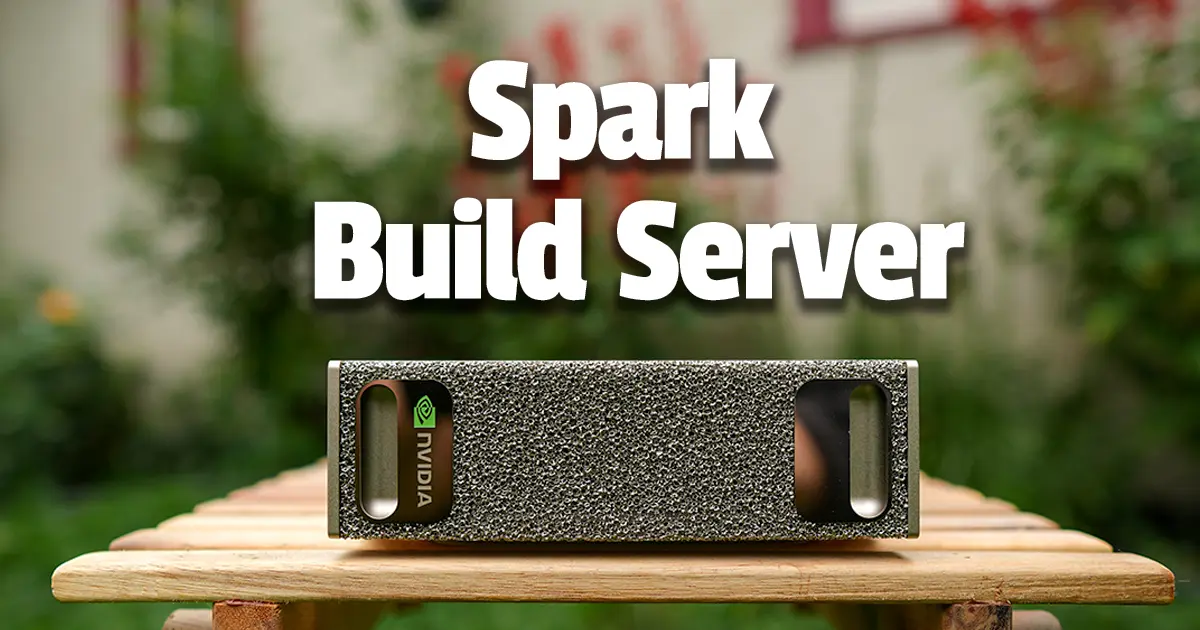
vLLM is an open source inference and serving engine for running AI models on your own hardware. You give it a model and it handles the inference side, and it can also expose that model through an OpenAI-compatible API endpoint that applications, tools, and agents can connect to.
The NVIDIA GB10 is a little different from the GPUs most people have traditionally run vLLM on. It’s a Grace Blackwell Superchip that combines a Blackwell GPU with a 20-core Arm CPU and 128 GB of coherent unified memory. NVIDIA uses it in the DGX Spark, and the same GB10 platform is also available in systems from other manufacturers (ASUS, Lenovo, Dell, etc…).
Upstream vLLM has been adding support for GB10 and its SM121 GPU architecture, but the published vLLM wheels and Docker images still aren’t built with native SM121 support. If you want a current vLLM stack built specifically for GB10, you pretty much have to build it yourself.
That’s why I built vllm-gb10. It packages an upstream-first vLLM stack into a Docker image built specifically for the DGX Spark and other NVIDIA GB10 systems. The project stays as close to upstream vLLM as possible, including its interfaces and implementations, without maintaining a separate Spark fork or downstream feature set. So instead of taking hours to build it yourself, you can simply pull down the container and have it running in minutes.
One thing I’ve wanted to add to the project for a while is a way to test those builds against real models before it’s released. Building the Docker image confirms stack compiled, but there are a lot of things that don’t really get tested until you load a model, start sending requests, and exercise the runtime paths that model depends on.
The vllm-gb10 project also moves pretty quickly because it tracks new vLLM releases along with changes across CUDA, PyTorch, FlashInfer, NCCL, Ubuntu security updates, and the rest of the stack. On top of that, different models can exercise different quantization formats, kernels, reasoning parsers, tool calling, multimodal support, MoE, Mamba, speculative decoding, and other parts of the runtime.
I can test those things manually while I’m working on a release, and I usually do, but I’ve always wanted that testing to be automated and repeatable and part of the release process itself. I don’t want a release to depend on whether I happened to load the right model and test the right feature before publishing it, and I don’t want people in the community pulling this down only to find out it doesn’t work with their model.
The challenge has always been having dedicated GB10 hardware available to do it. Building the image already takes a couple of hours, and qualifying it against several models with different architectures adds a ton of work.
NVIDIA recently donated a DGX Spark to the project, and it’s now running as a self-hosted ARM64/GB10 GitHub Actions runner. The repo watches upstream releases and keeps the build inputs pinned by exact version, commit SHA, or image digest. Once an update is reviewed and merged, the Spark builds the image, pushes an immutable tag, pulls that exact image back down, runs the smoke and model verification, and only then promotes latest and publishes the release if it passes.
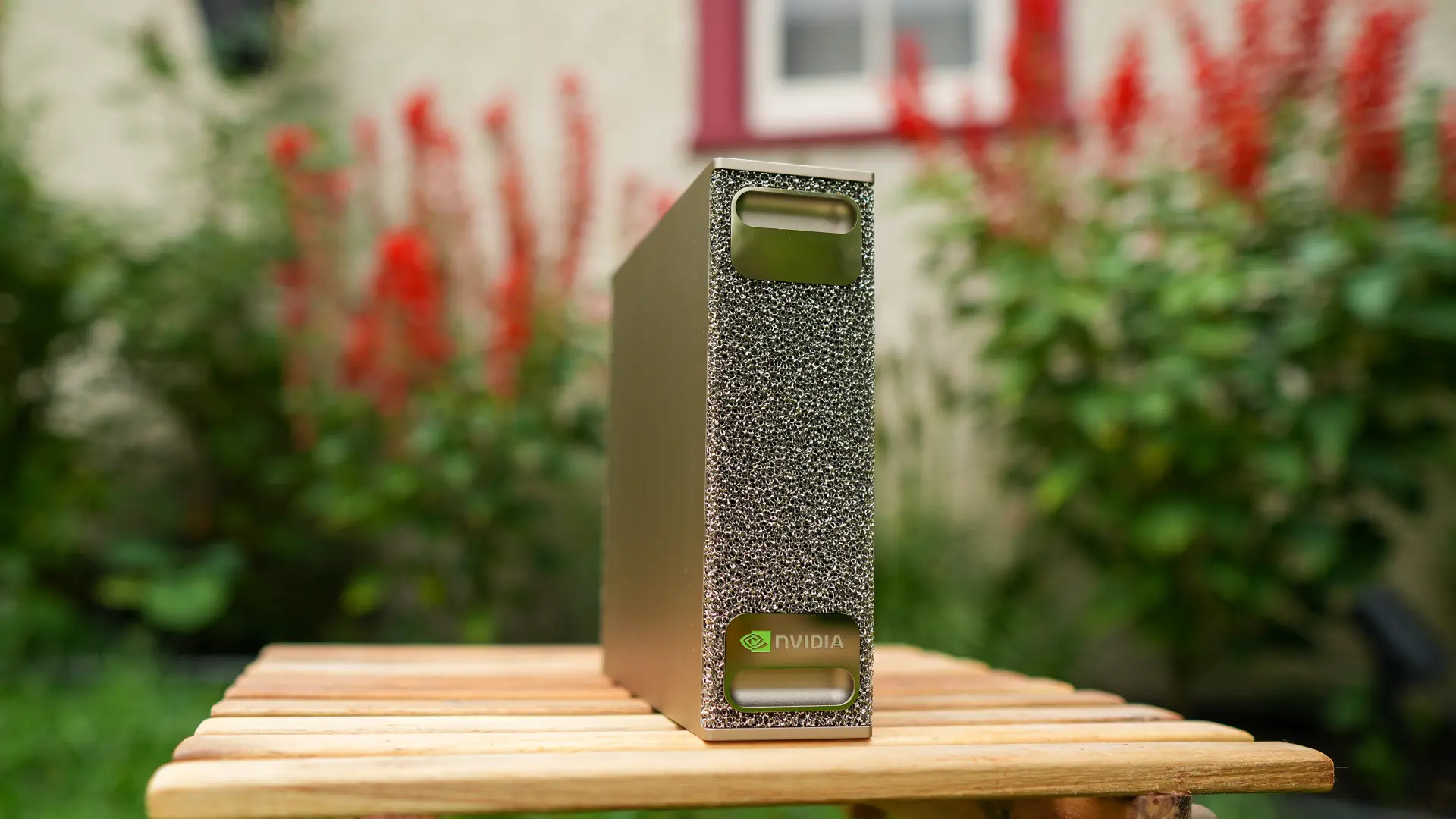 The DGX Spark needed to touch some grass for the first and probably last time.
Testing real models before release
The verification added in PR #143 is now part of the normal release process. Every release is served and tested against the model catalog on the DGX Spark before a new Docker image is released.
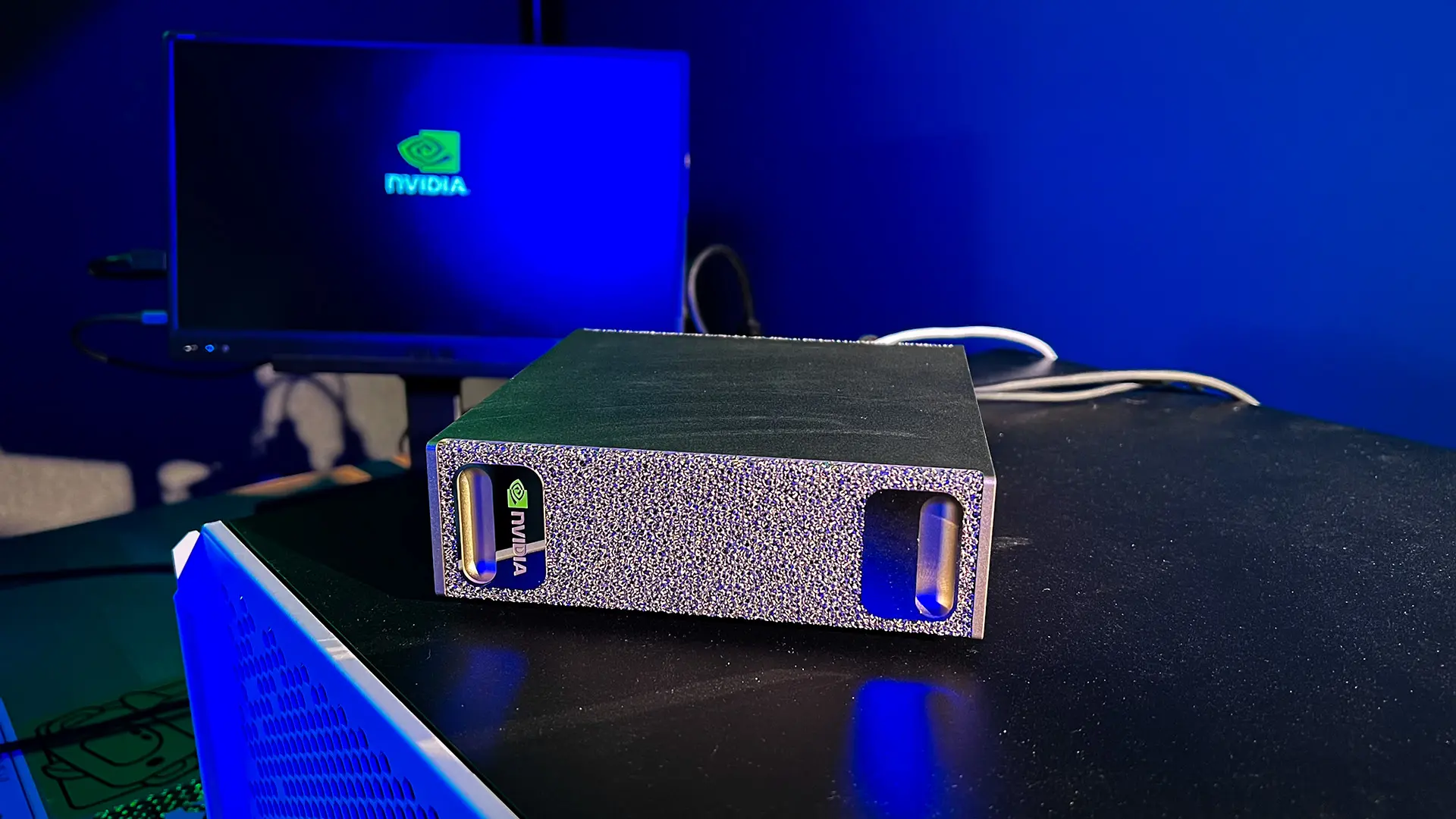 The Spark booting up, Dark Mode activated, and ready to take on builds.
I didn’t want this to be a simple smoke test where CI starts one small model, sends it a prompt, and calls the image good. The catalog was built to cover different model architectures and different parts of the vLLM stack, including dense models, Gemma 4, MoE, Mamba, NVFP4, FP8 KV cache, reasoning, tool calling, multimodal input, and speculative decoding.
| Model | What it exercises |
|---|---|
Qwen/Qwen3-0.6B | Small dense baseline |
google/gemma-4-12B-it | Gemma 4, reasoning, and multimodal input |
nvidia/NVIDIA-Nemotron-3.5-Lightning-30B-A3B-NVFP4 | NVFP4, FP8 KV cache, Humming MoE, Mamba, reasoning, tool calling, and speculative decoding |
nvidia/Qwen3.8-27B-NVFP4 | NVFP4, FP8 KV cache, reasoning, tool calling, and multimodal input |
For each model, the verification goes beyond whether vLLM manages to start, it sends real generation and streaming requests, tests features such as reasoning, tools, multimodal input like vision with images, speculative decoding if it supports it, and checks the model-specific runtime paths the image is expected to use.
The full matrix shows what each model is covering. A checkmark means the test passed, while a dash means that test doesn’t apply to that model.
| Test | google/gemma-4-12B-it | nvidia/NVIDIA-Nemotron-3.5-Lightning-30B-A3B-NVFP4 | Qwen/Qwen3-0.6B | nvidia/Qwen3.8-27B-NVFP4 |
|---|---|---|---|---|
| Model startup (health) | ✓ | ✓ | ✓ | ✓ |
/v1/models registration | ✓ | ✓ | ✓ | ✓ |
| Deterministic generation | ✓ | ✓ | ✓ | ✓ |
| Streaming generation | ✓ | ✓ | ✓ | ✓ |
| Response JSON validity | ✓ | ✓ | ✓ | ✓ |
| Tool calling | - | ✓ | - | ✓ |
| Reasoning parser | ✓ | ✓ | - | ✓ |
| Multimodal image input | ✓ | - | - | ✓ |
| NVFP4 execution | - | ✓ | - | ✓ |
| FP8 KV cache | - | ✓ | - | ✓ |
| MoE execution | - | ✓ | - | - |
| Mamba execution | - | ✓ | - | - |
| Speculative decoding | - | ✓ | - | - |
| llama-benchy pp/tg | ✓ | ✓ | ✓ | ✓ |
| llama-benchy concurrency | ✓ | ✓ | ✓ | ✓ |
| Post-bench health | ✓ | ✓ | ✓ | ✓ |
| Server log captured | ✓ | ✓ | ✓ | ✓ |
| Clean shutdown | ✓ | ✓ | ✓ | ✓ |
NVFP4, FP8 KV cache, MoE, and Mamba are also checked against the captured vLLM server logs. A model can successfully generate a response while using a different backend or runtime path than the one being tested, so the logs confirm that the expected path was actually running.
The first full run
The first complete four-model run finished with 48 functional checks passing and 0 failures using v0.30.0-gb10.3. The verification also runs llama-benchy, which gives me a consistent set of performance numbers to keep with each release.
| Model | Startup | PP tok/s | TG tok/s | TG tok/s at concurrency 4 |
|---|---|---|---|---|
google/gemma-4-12B-it | 322s | 3,432 | 7.5 | 33 |
nvidia/NVIDIA-Nemotron-3.5-Lightning-30B-A3B-NVFP4 | 422s | 8,224 | 101.5 | 138 |
Qwen/Qwen3-0.6B | 282s | 42,479 | 112.8 | 322 |
nvidia/Qwen3.8-27B-NVFP4 | 352s | 2,221 | 12.0 | 42 |
The benchmark numbers are informational and won’t block a release. I mainly want them recorded along with the functional results so there is a consistent history of how each version worked on the same hardware.
Keeping the results with the release
The verification results are published with each GitHub release instead of being buried in the CI logs. That includes the model verification matrix, benchmark results, startup times, and the underlying logs and result files.
Over time, that gives me a consistent way to know how different vLLM versions worked on the same hardware and against the same model coverage. If an upstream change stops a model from loading, breaks a reasoning parser, changes which backend is used, or moves performance significantly, there is a previous run to compare it to.
The same verification can also be manually run again against an existing vllm-gb10 release without rebuilding the image, which makes it possible to recheck a model or expand the verification without forcing another build.
Where this leaves vllm-gb10
The upstream-first approach means vllm-gb10 is going to keep moving as vLLM and the rest of the stack move. I want to stay close to upstream rather than maintaining a separate Spark implementation, but that also means releases need to be tested against more than whether the Docker build completed successfully.
Having dedicated GB10 hardware lets the project do that against the models and runtime paths people are actually using. The verification tests can keep growing along with vLLM, and each release now includes the results showing what was tested on the Spark.
Thanks to NVIDIA for donating the DGX Spark that made this possible. I really appreciate them supporting this project and giving me hardware I can dedicate to building and testing the vllm-gb10 project as the platform continues to evolve.
You can find more information about the DGX Spark on NVIDIA’s site and through the NVIDIA Marketplace.
Links
- Repository: github.com/timothystewart6/vllm-gb10
- Running vLLM on the DGX Spark: technotim.com/posts/vllm-gb10-docker
- My GX10 cluster writeup: technotim.com/posts/local-ai-gx10
- Ubuntu Server setup for GB10: technotim.com/posts/ubuntu-gb10
- DGX Spark: NVIDIA
🤝 Support the channel and help keep this site ad-free
⚙️ See all the hardware I recommend at https://l.technotim.com/gear